










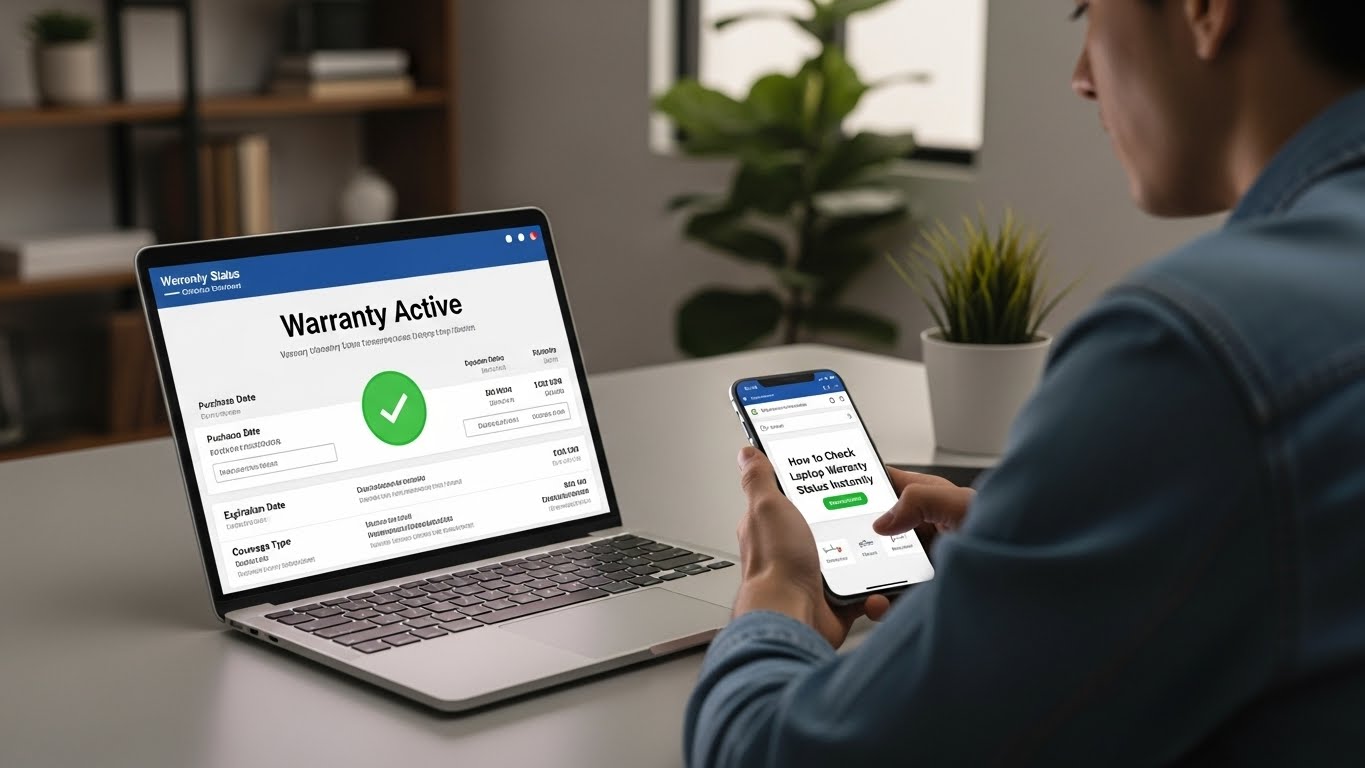
You’ve just invested in a sleek machine, set up your desktop background, and installed your favorite apps. But before you toss the packaging, there is one critical step many users overlook: checking your new laptop status regarding warranty coverage. Manufacturers often start the warranty clock when the device ships to the retailer, not necessarily when you buy it. Verifying this now ensures you get the full coverage you paid for.
Why Verify Your Laptop Warranty Status?
It might seem like administrative busywork, but knowing your warranty status can save you hundreds of dollars. Laptop repairs are surprisingly expensive. According to recent data from Yelp, the average laptop repair costs between $125 and $300, with logic board replacements climbing even higher.
Verifying your coverage helps you:
- Avoid Surprise Costs: Know exactly what hardware repairs are free.
- Understand Coverage Limits: Most standard warranties cover hardware failure, but not accidental drops or spills.
- Correct Dates: If your warranty started three months before you bought the laptop, you can usually upload your receipt to the manufacturer to correct the start date.
Step-by-Step Guide to Verify Warranty Status
Checking your status is free and takes less than two minutes. Here is how to do it correctly.
1. Visit the Manufacturer’s Official Service Page
Skip the general Google search, which might lead to third-party ads. Go directly to the support page dedicated to warranty lookups. We have listed the official links for the major brands in the table below.
2. Locate Your Serial Number
You cannot check your status without your unique identifier.
- Windows (HP, Dell, Lenovo): Look for a sticker on the bottom of the laptop. Alternatively, open the Command Prompt and type wmic bios get serialnumber.
- Mac (Apple): Click the Apple menu icon > About This Mac. The serial number is the last item on the list.
3. Review the Specifics
Once you enter the number, the site will display your “Service Coverage.” Look for the Expiration Date. Also, check for specific exclusions. For example, HP explicitly states that for consumer notebooks sold since 2017, the battery warranty is limited to one year, even if the rest of the laptop has a longer warranty.
A Note on Third-Party Warranty Tools
If you manage a fleet of devices for a business, you might encounter third-party bulk lookup tools. While these can aggregate data for hundreds of machines, individual users should exercise caution.
Entering your serial number into an unverified third-party site can pose a privacy risk. For personal use, always stick to the official manufacturer’s portal to ensure the data is accurate and your device details remain private.
Security and Data Protection
Hardware protection is vital, but digital protection is even more critical. A warranty might replace a hard drive, but it won’t recover the stolen data that was on it.
This is where human behavior plays a massive role. Advanced training platforms like Allied Universal Edge help keep computer systems and online data safe by educating users on spotting phishing attempts and maintaining robust security protocols. Just as you check your warranty to protect the hardware, you should invest time in security awareness to protect the software and data living inside the machine.
Key Laptop Brands and Warranty Data
Use this table to find your official lookup page and understand what is typically covered.
| Brand | Warranty Check Link | Serial Number Location | Key Warranty Stat |
| HP | HP Customer Support – Product Warranty Check | Bottom label: Press Fn + Esc | Battery Limit: Batteries often have a 1-year max warranty, regardless of the system warranty. |
| Dell | Dell Support Services Lookup | Bottom label: Dell SupportAssist App | Transferable: Dell allows ownership transfers to move the warranty to a new country or owner. |
| Lenovo | Lenovo Warranty Lookup | Bottom label: Lenovo Vantage App | Upgrades: You can often upgrade warranty status (e.g., onsite repair) within the first year. |
| Apple | Check Coverage (Apple) | Bottom case; Apple Menu > About This Mac | AppleCare+: Extends coverage and adds up to two incidents of accidental damage protection every 12 months. |
Don’t Wait Until It Breaks
Verifying your laptop warranty is a five-minute task that offers long-term peace of mind. By confirming your coverage dates today, you ensure that if your screen flickers or your hard drive fails next year, you aren’t left footing the bill.
Take a moment to flip your laptop over, find that serial number, and click the link matching your brand above. It’s the smartest first step in owning a new computer.